Start with one clear moment
Give each clip a product, a setting and a movement that are easy to understand. Supported clip lengths and resolution will depend on the generation model, so a concise idea makes a useful starting brief.
 ScrimWorkProducts / People / Possibilities
A new dimension for the campaign
A short moment of motion can reveal a product in a different way: a gentle turn, a shifting reflection or a change of scene. ScrimWork's planned video workflow starts with focused clips that can become part of a wider campaign.
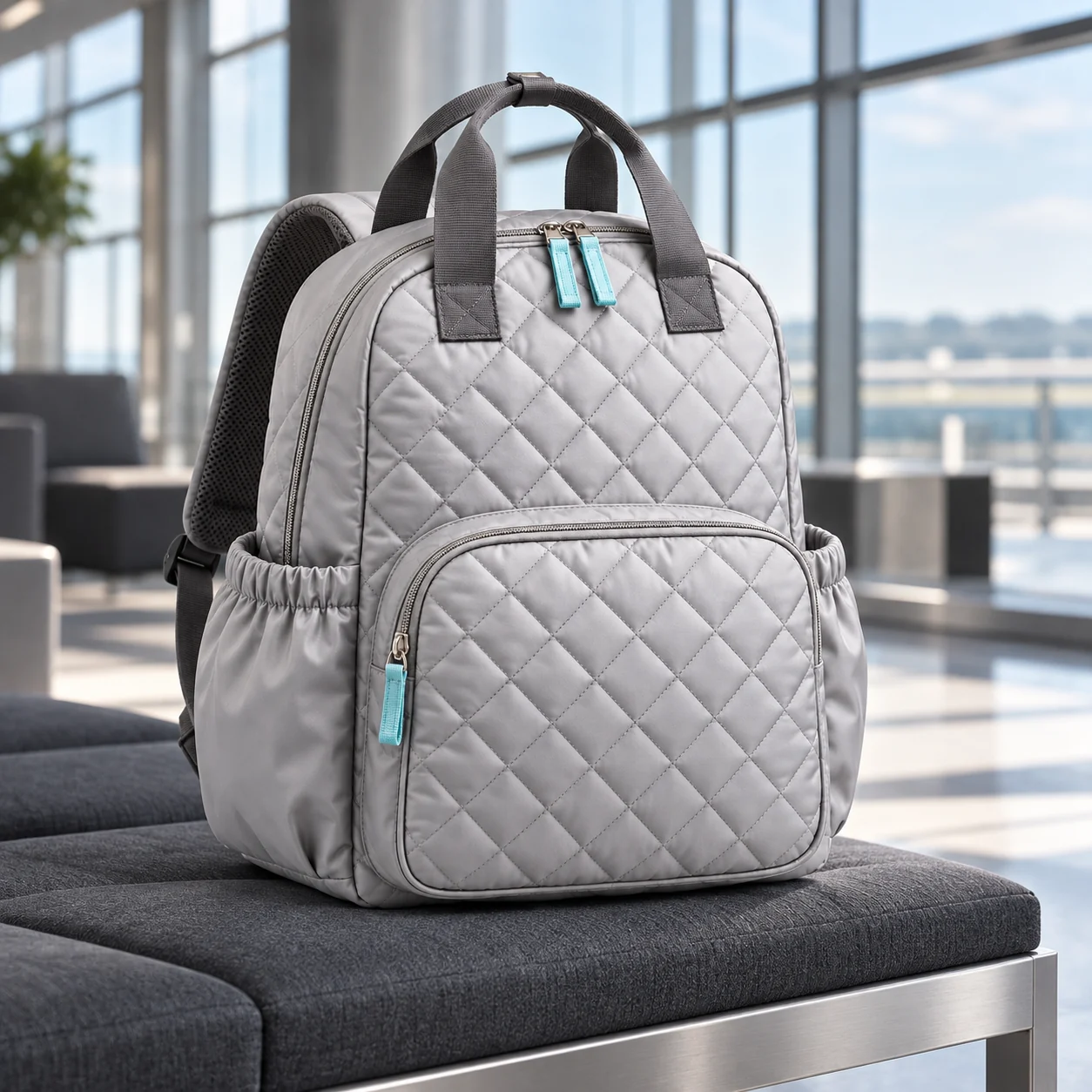
Synthetic campaign examples
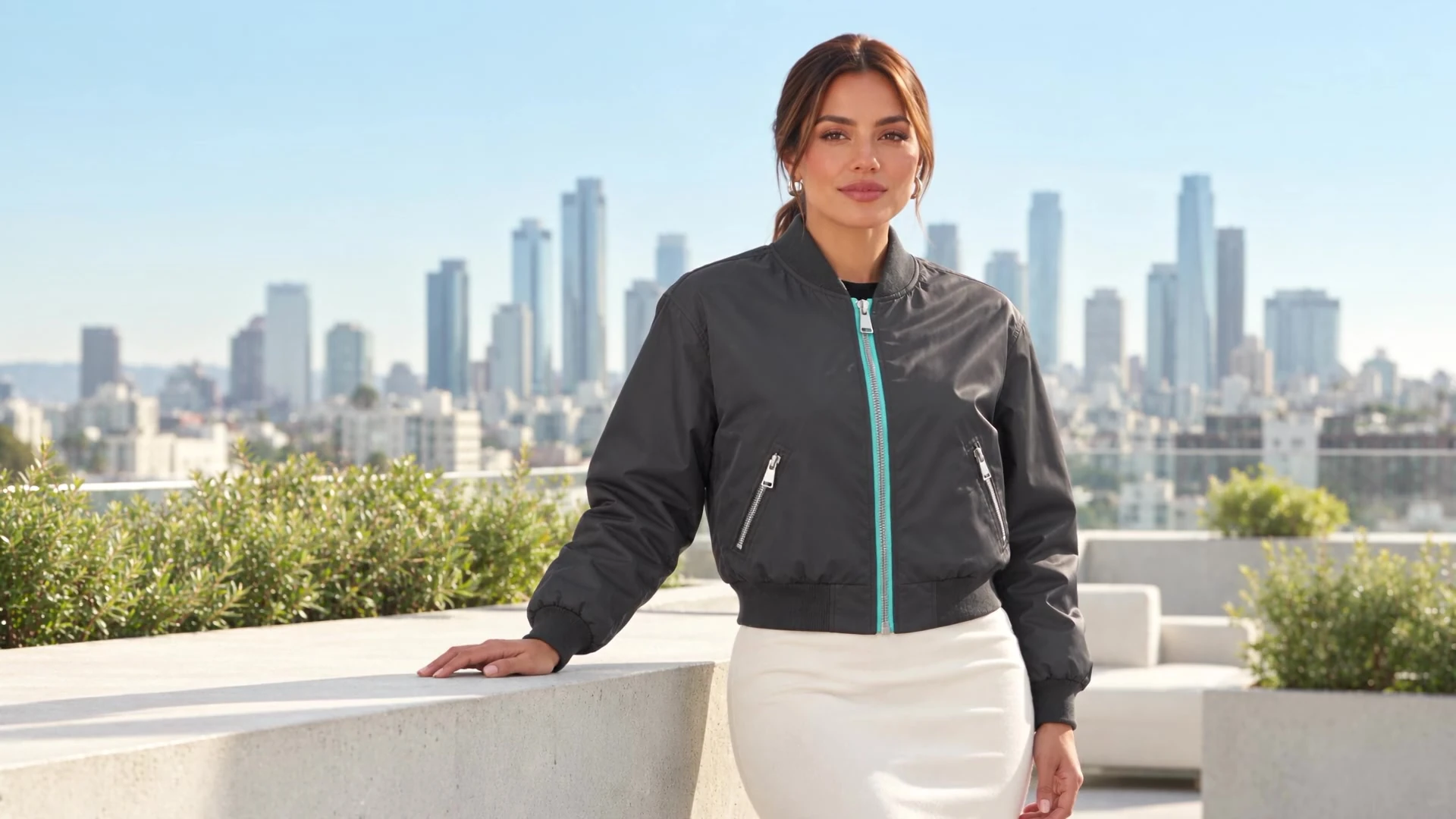
Synthetic campaign examples
Give each clip a product, a setting and a movement that are easy to understand. Supported clip lengths and resolution will depend on the generation model, so a concise idea makes a useful starting brief.
Several short clips can create a campaign rhythm with changes of cast, clothing and location. Generated seconds and the length of a final edit are different measures, and neither implies that every model supports every duration.
Native audio and separate dialogue or lip sync may use different options and affect the credit quote. Video generation is not yet enabled; available models, sound choices and costs need validation before release.
Creative possibilities
Synthetic campaign examples
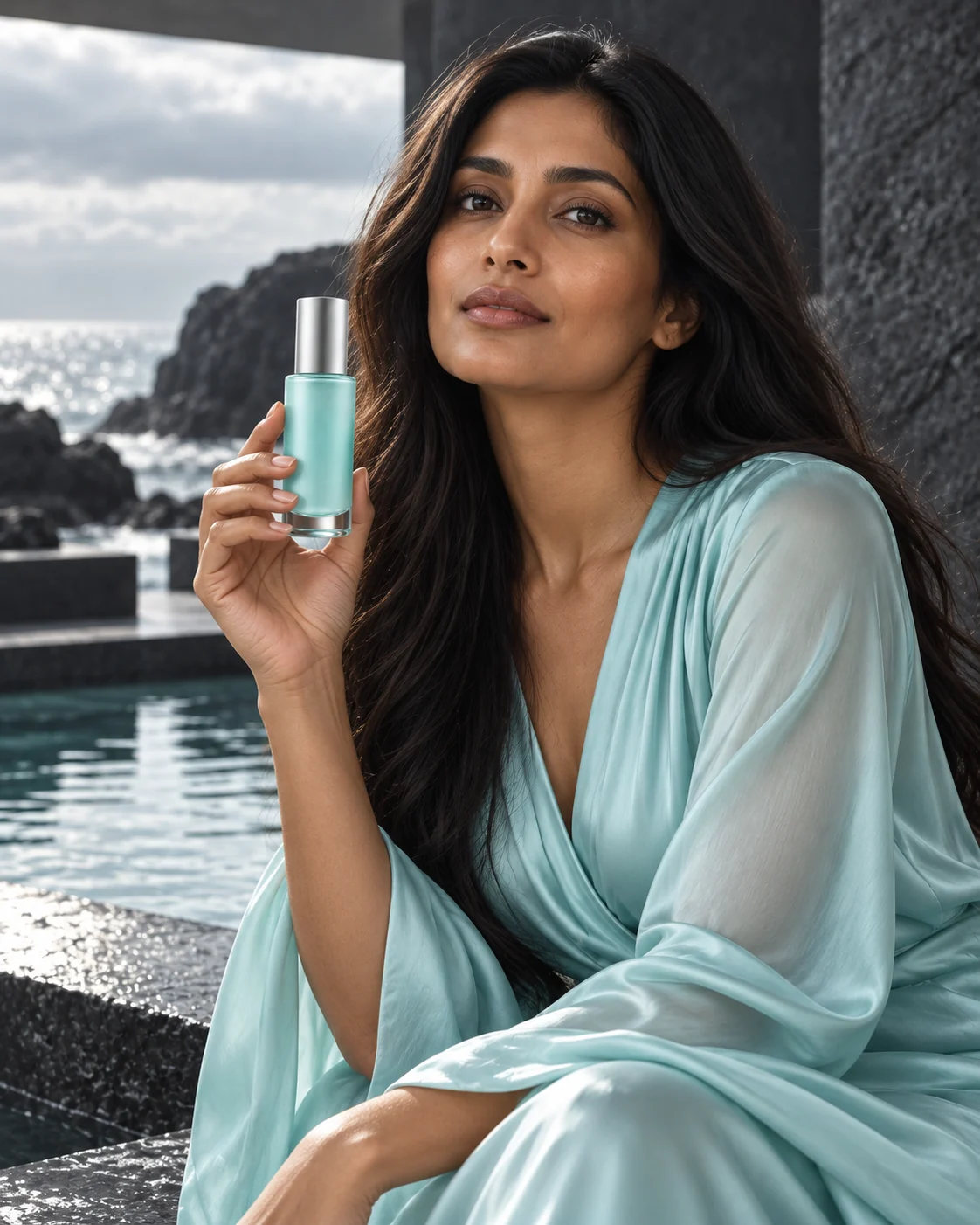
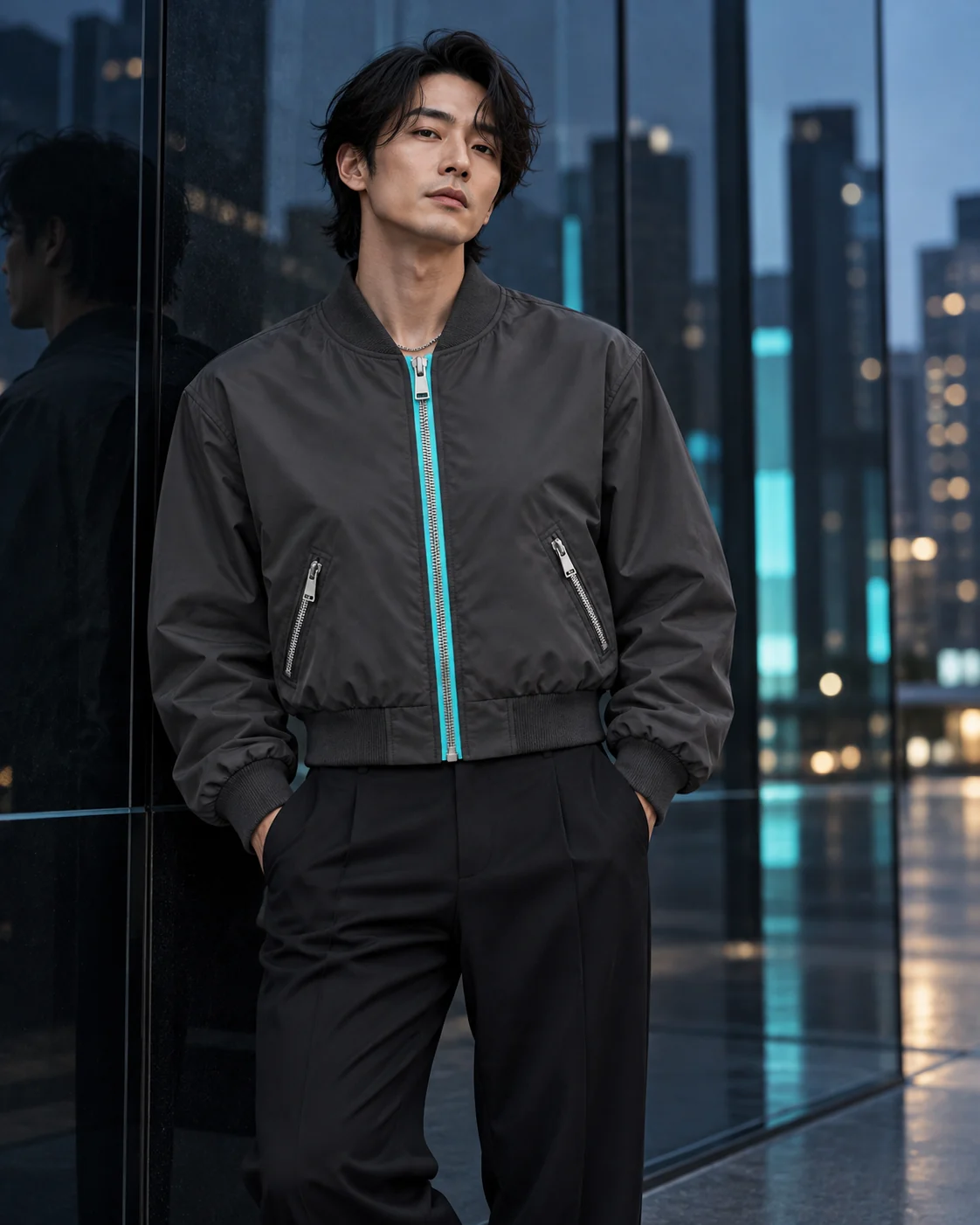
No. Free is limited to one lifetime product and one set of two final images; video is excluded.
No. The campaign stills are illustrative, and the motion preview is being prepared separately from the app's future generation service.