Apparel
Product referenceCreative possibilities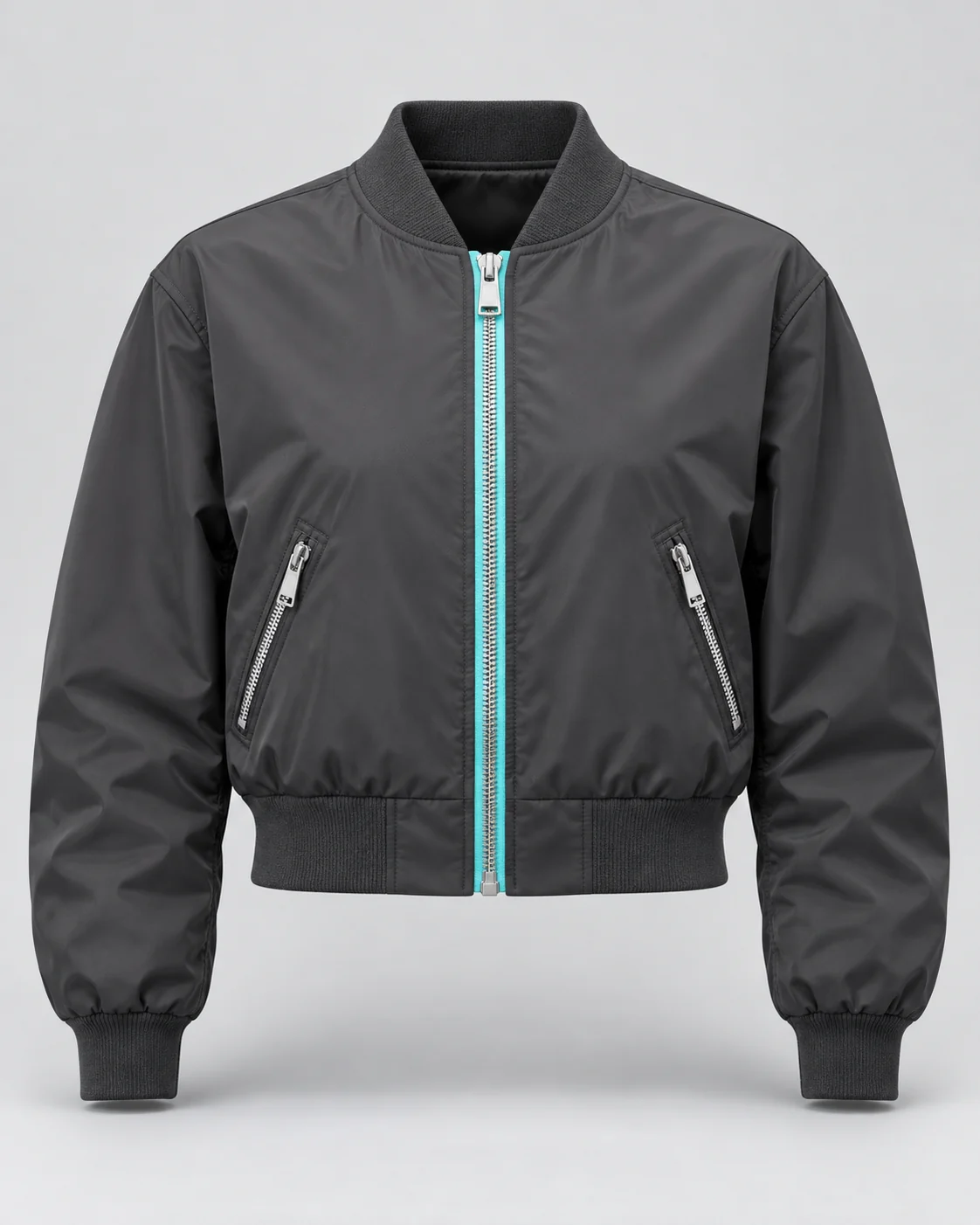
 ScrimWork
Your next campaign. Coming into focus.
0%Preparing your studio
ScrimWorkProducts / People / Possibilities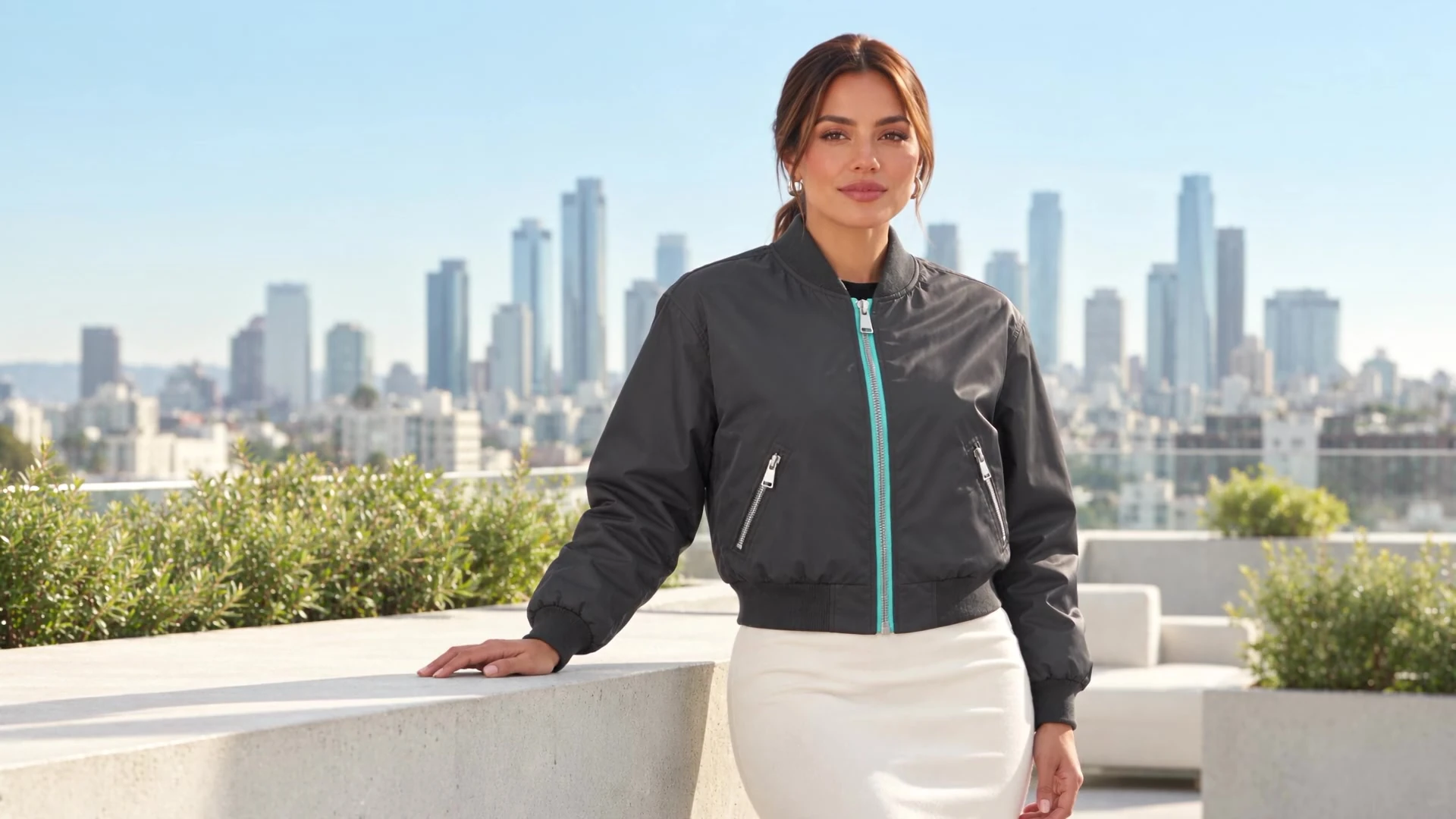
Synthetic campaign examples
Product photography
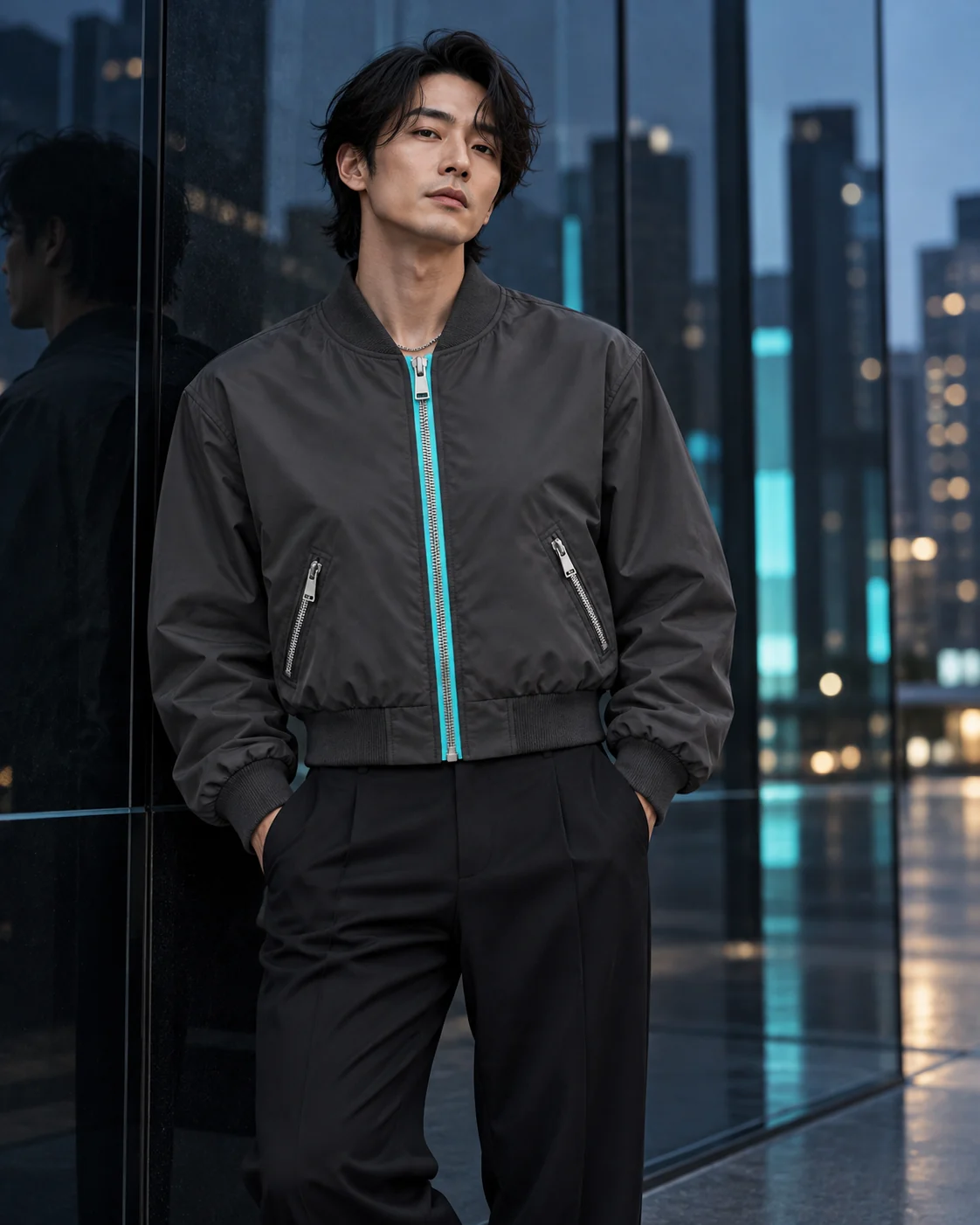
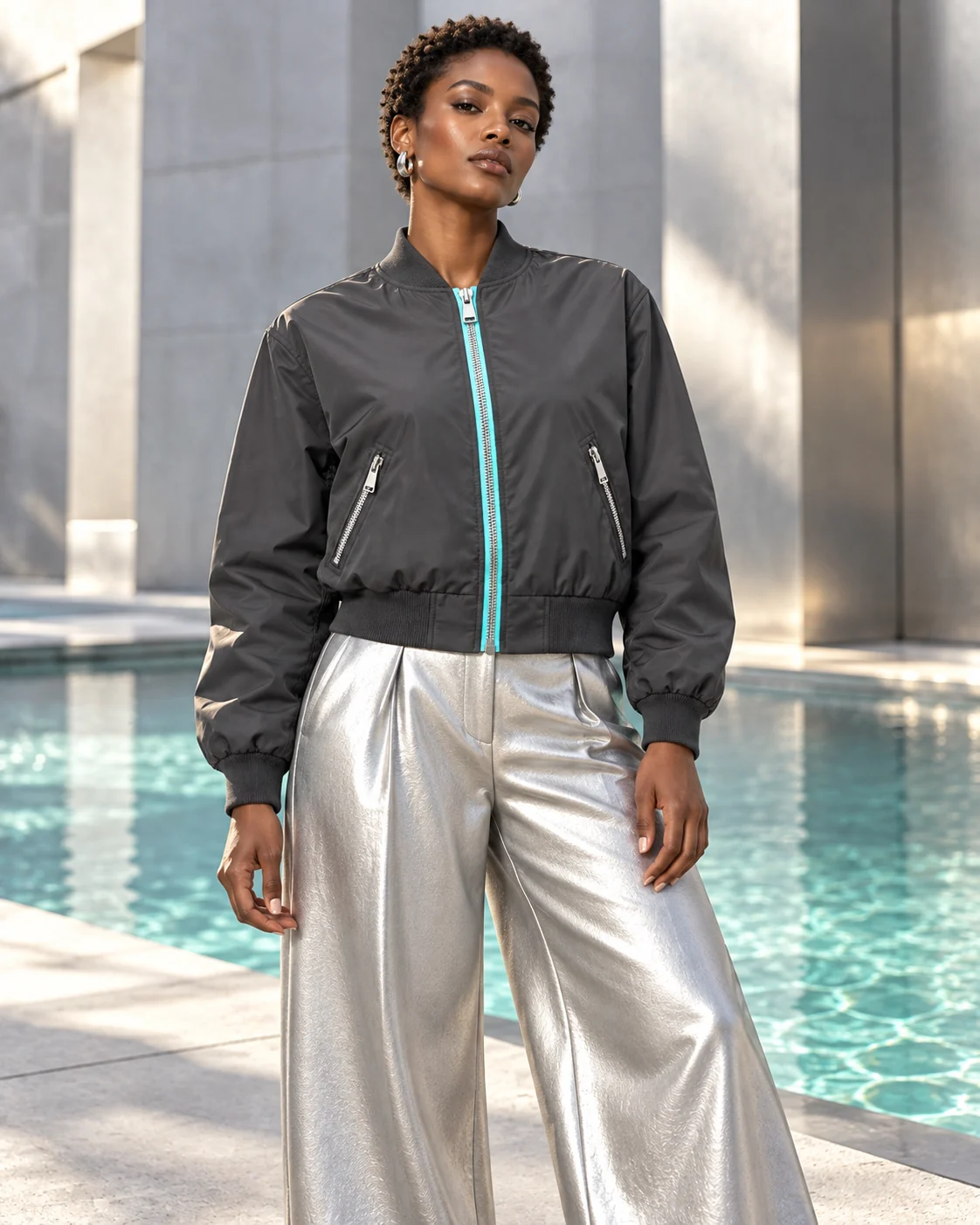
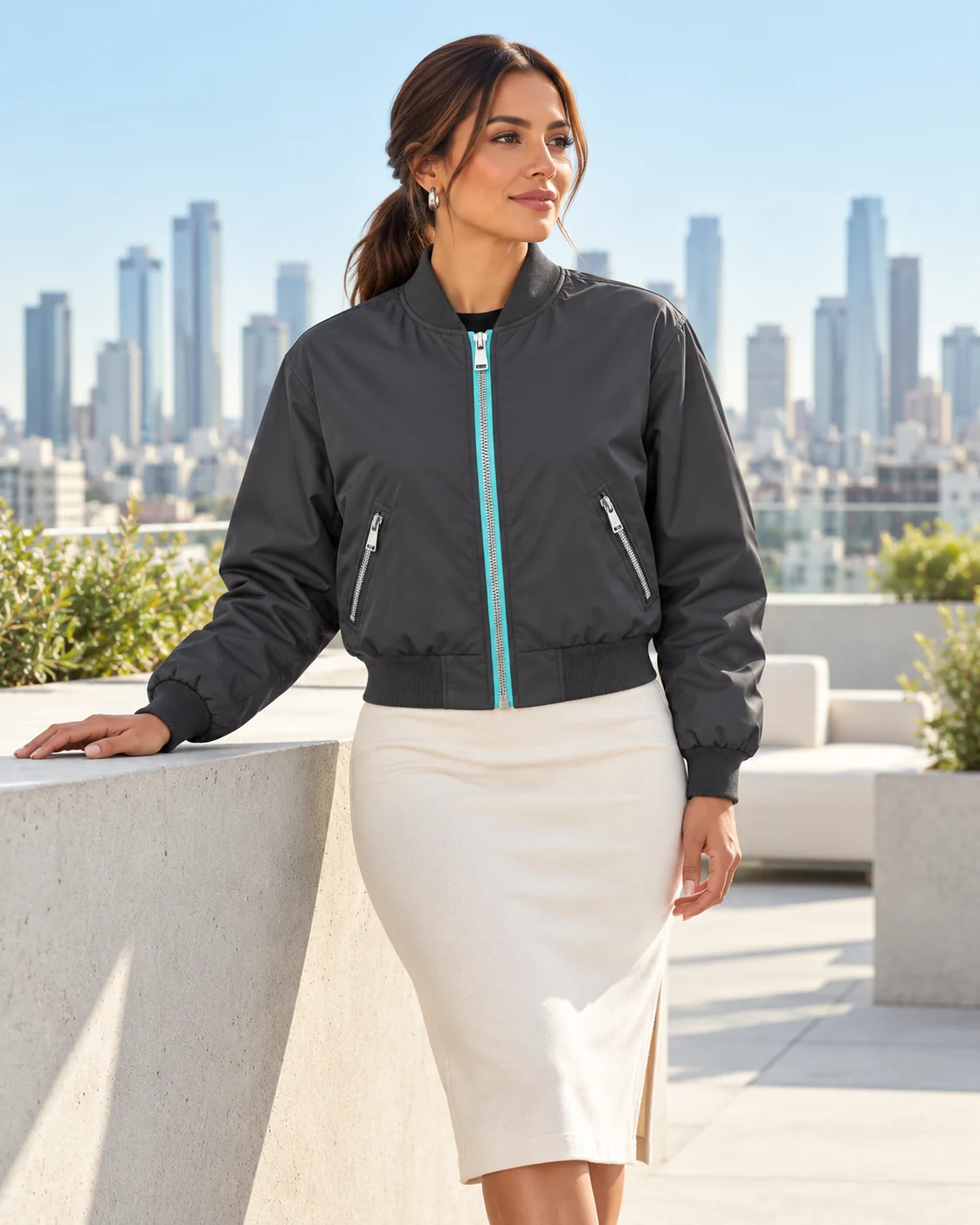
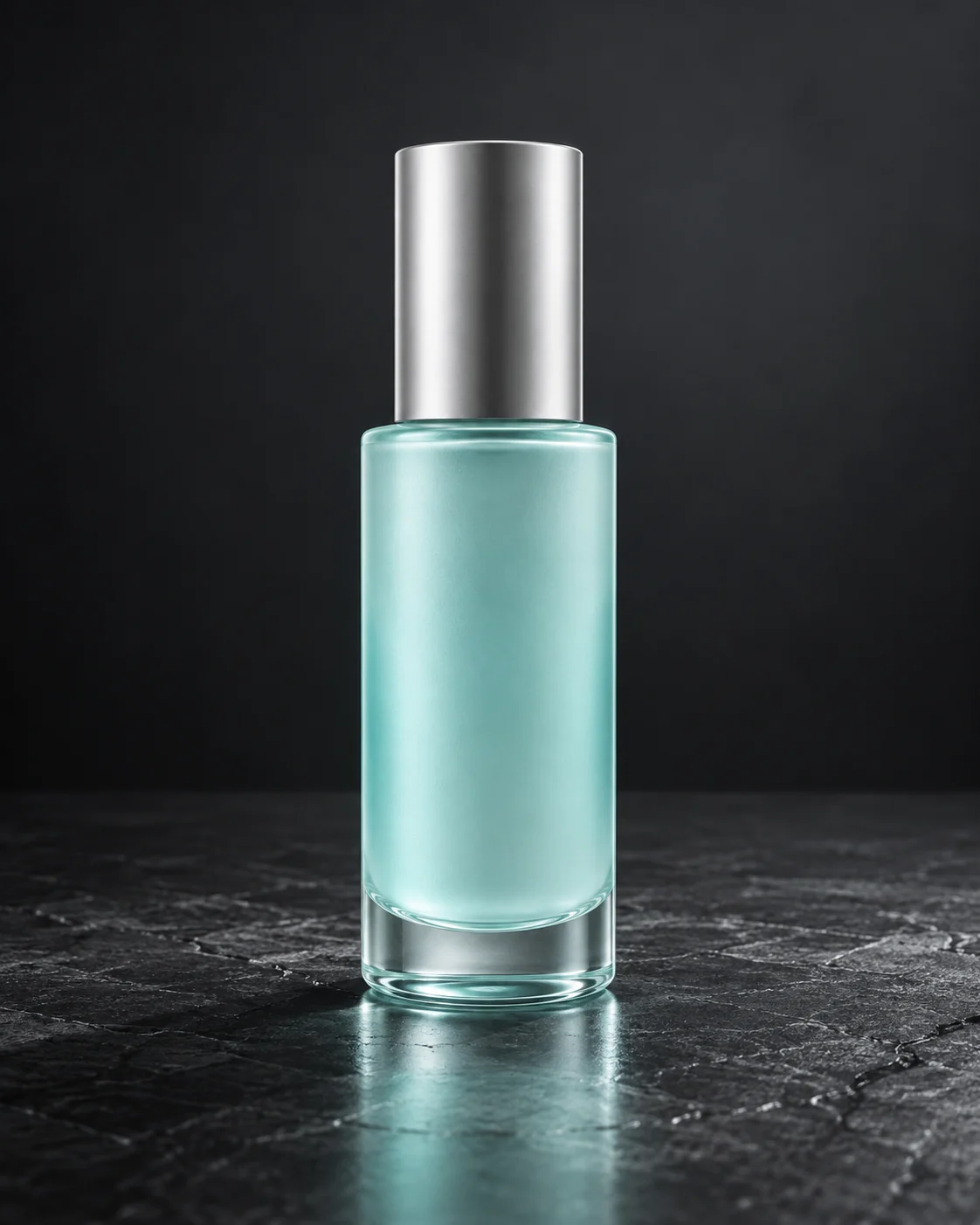
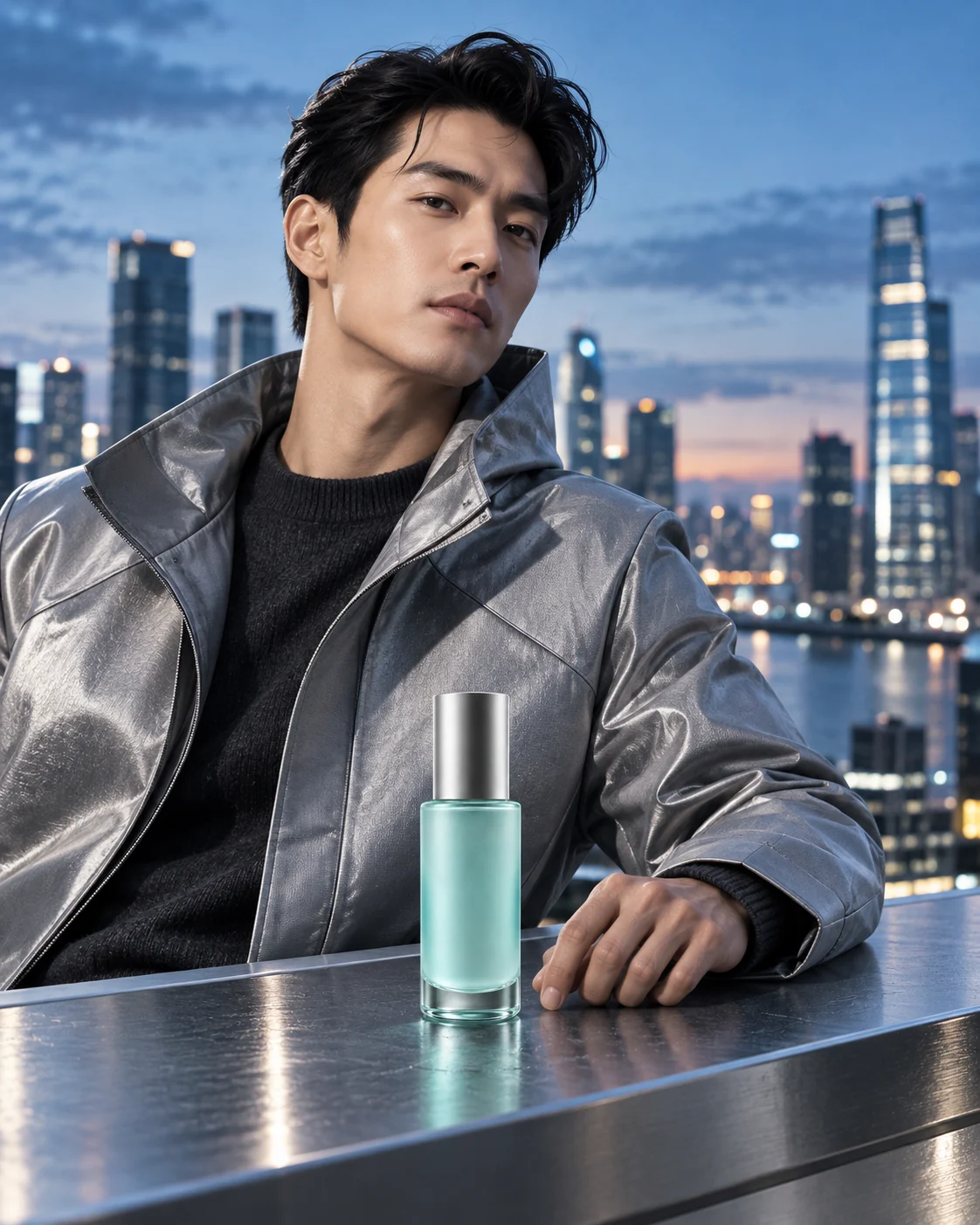
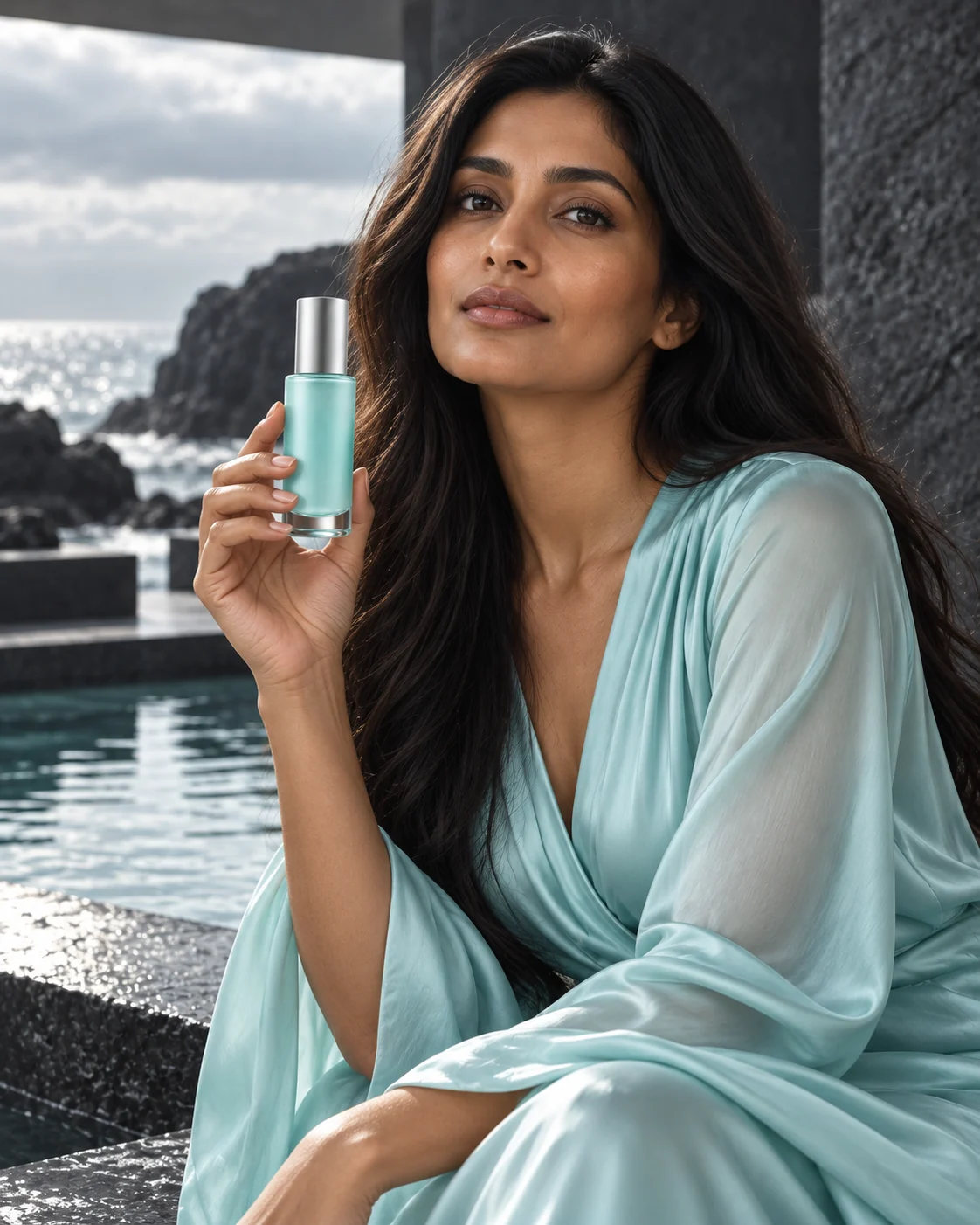
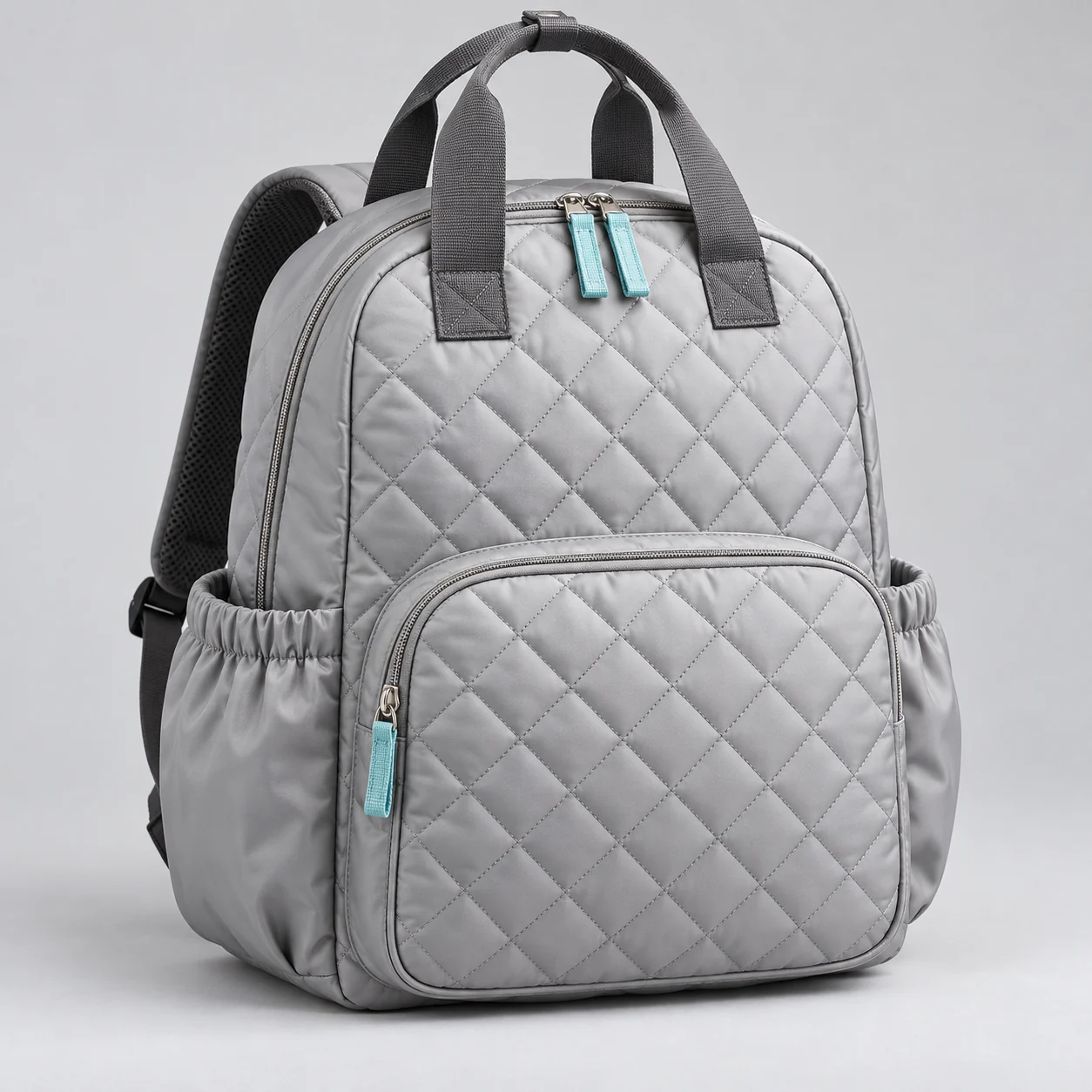
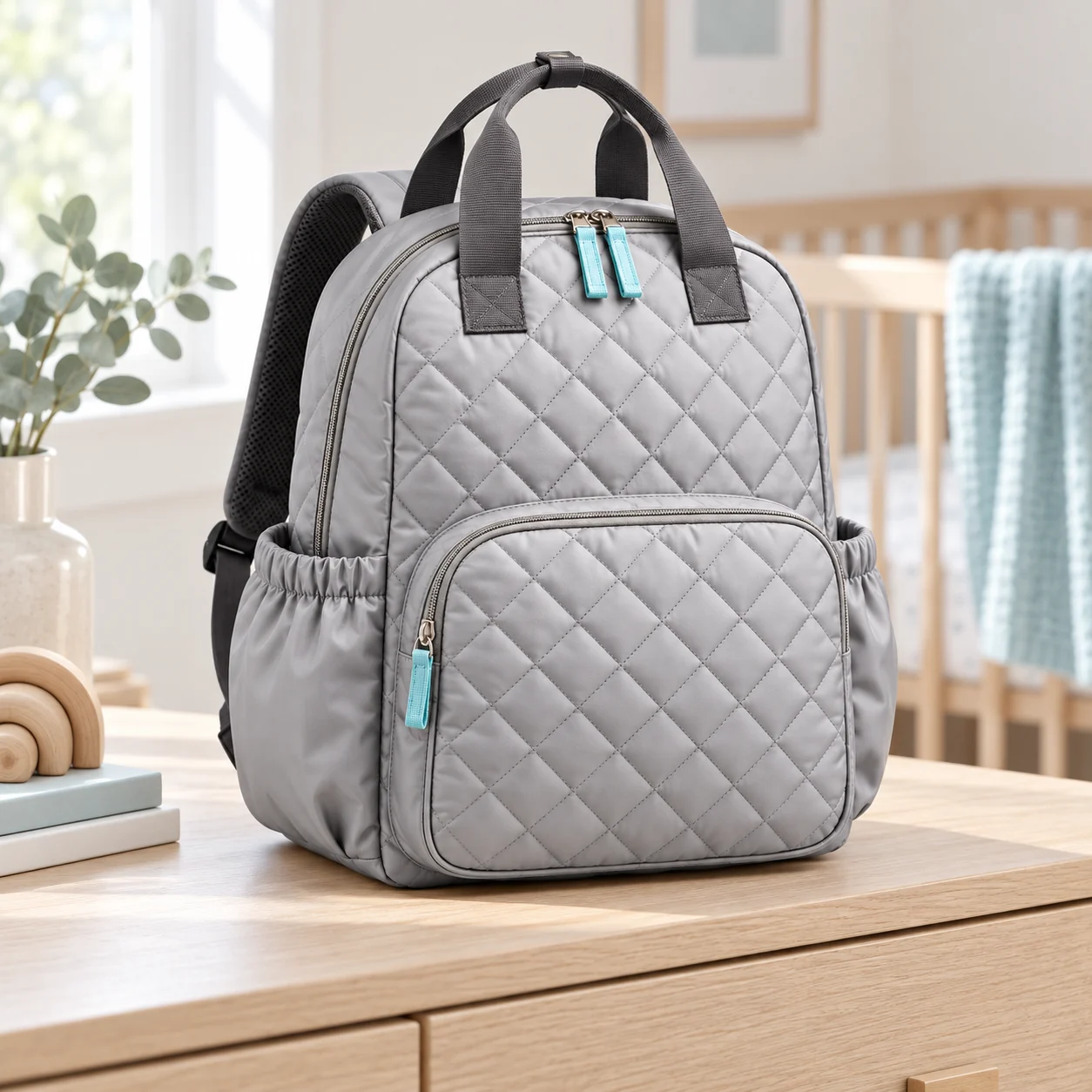
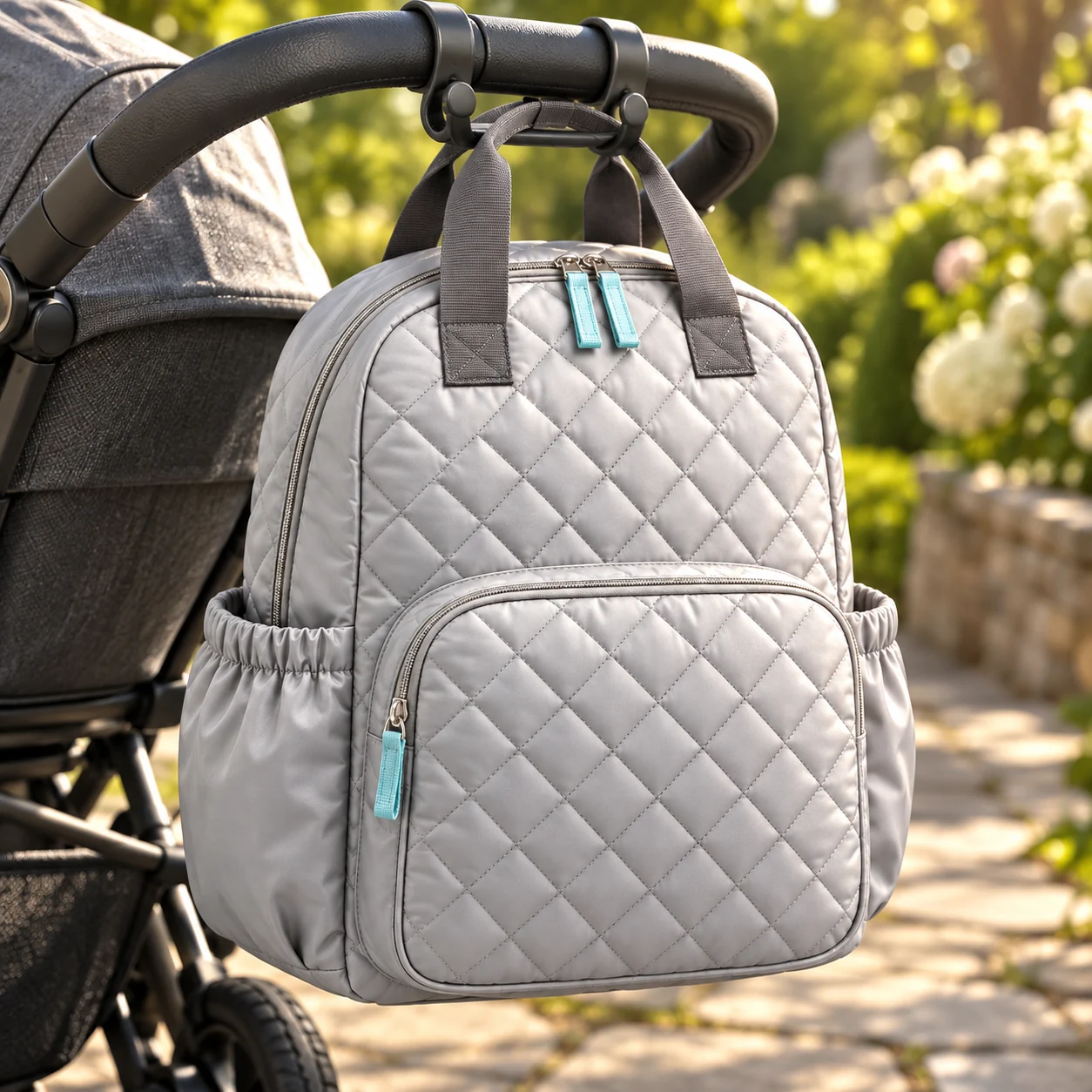
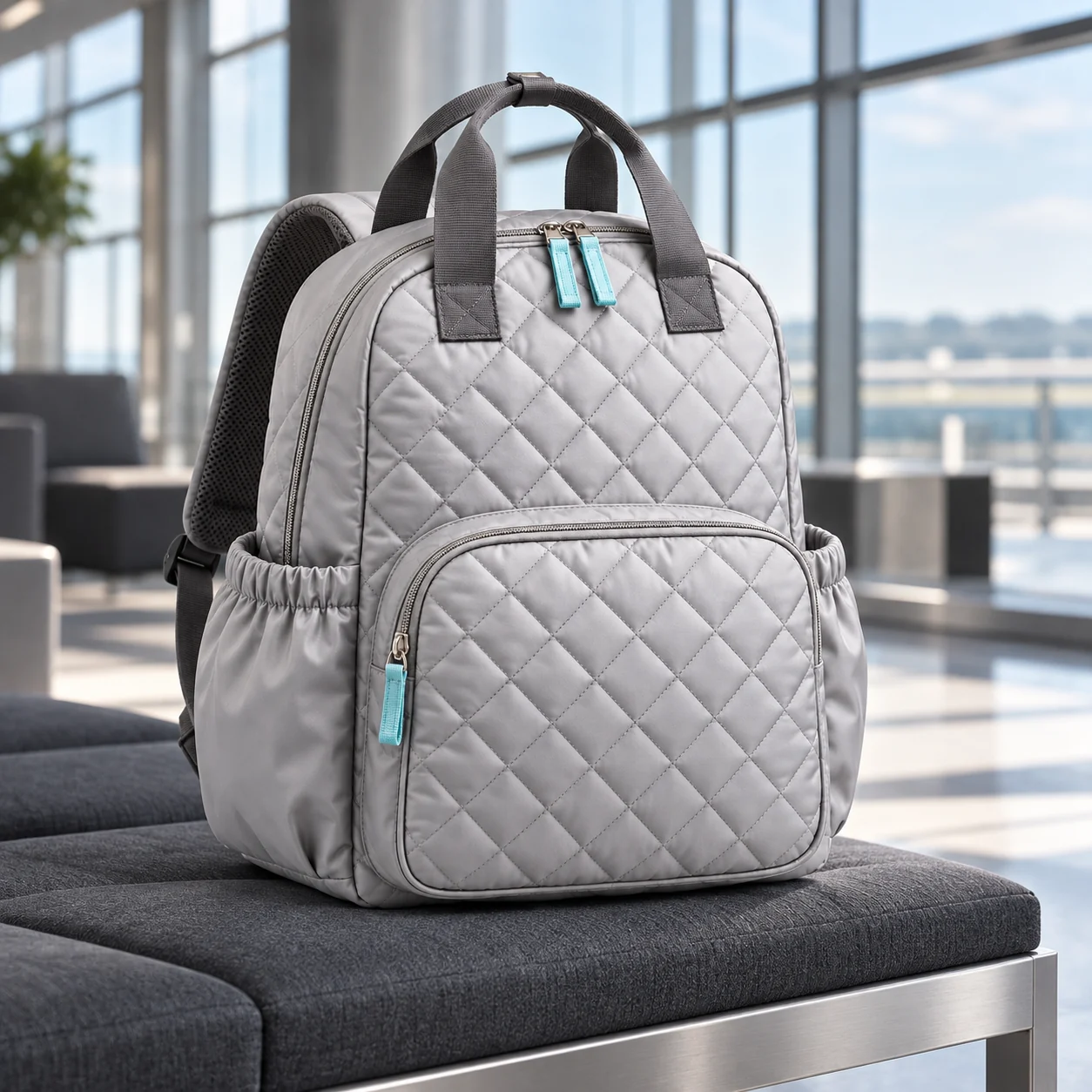
The same jacket can lead a city campaign or a sunlit portrait. Follow three products from a simple reference into different settings, with the details that make each one recognizable.
Cast with intention
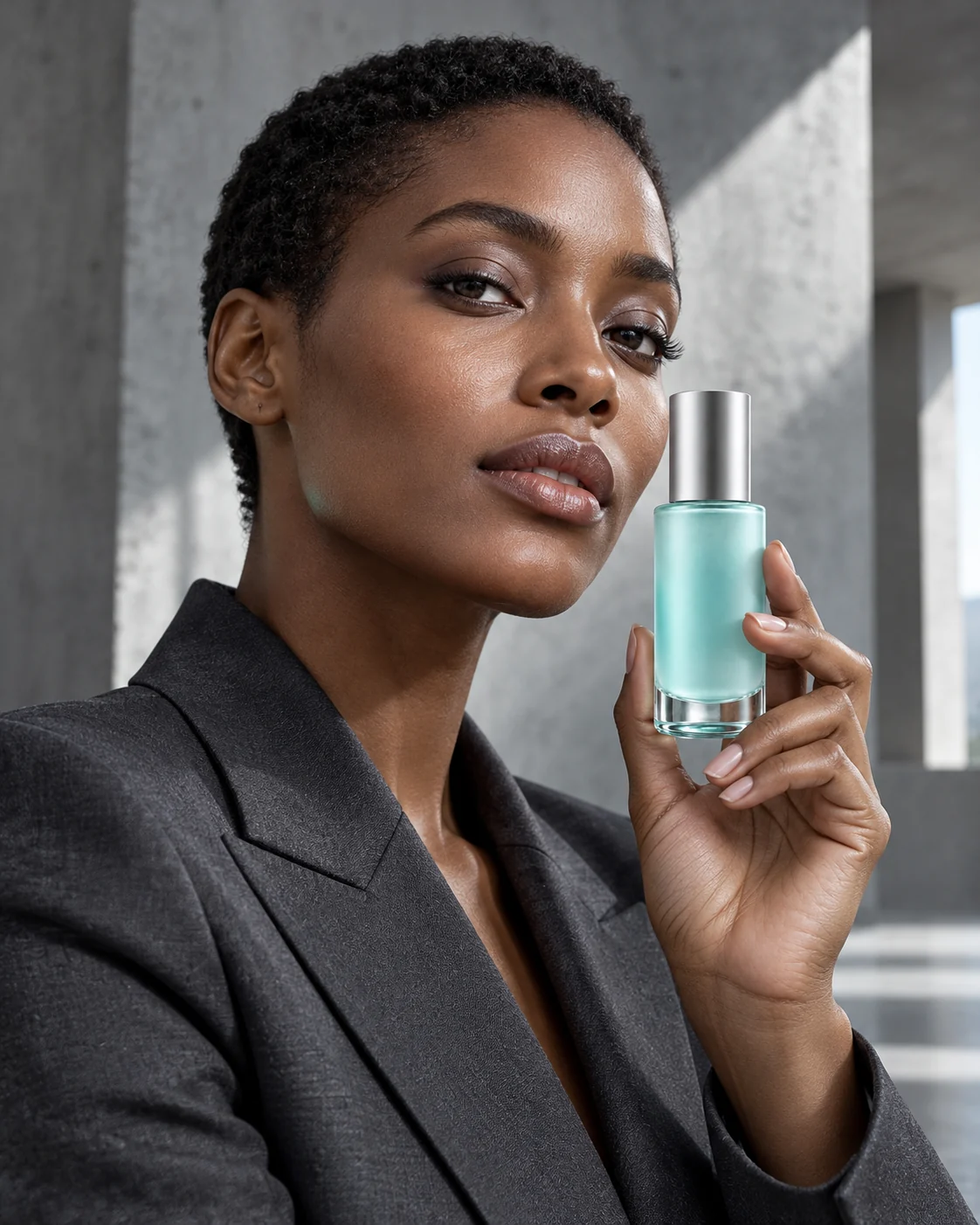
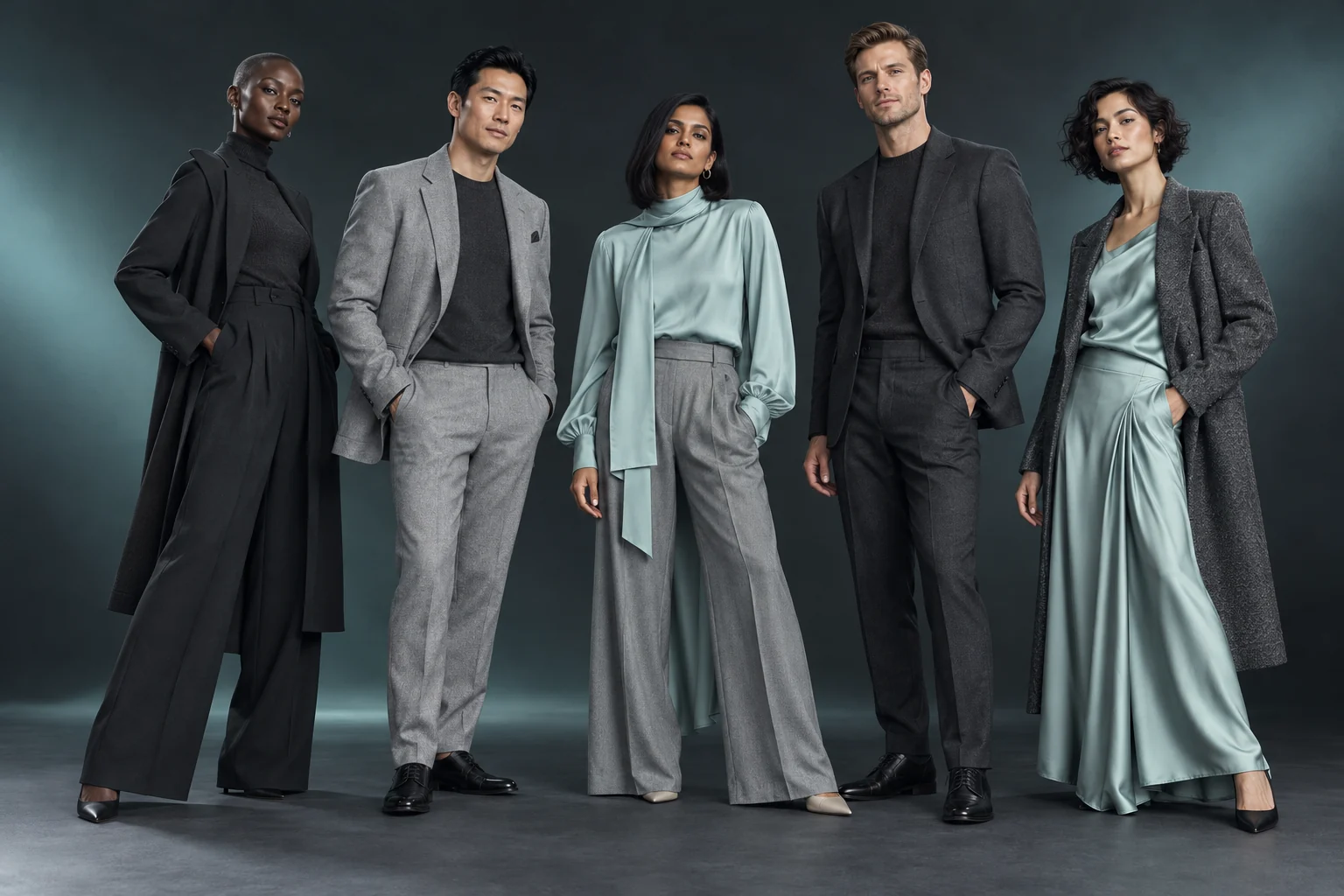
A face can give a campaign character; a product can also hold the frame on its own. Explore our adult catalog concept and choose the approach that fits your idea.
Private models
Our planned private-model workflow keeps an authorized adult identity connected to its references and consent. Explore new poses and settings while keeping that person at the heart of the brief.



Synthetic campaign examples
Explore private modelsArt direction
Move from quiet light to a lively café, from a close portrait to a wider scene. These coordinated examples show how framing, setting and pose can tell different stories around the same subject and product.




Product detail
The zipper color, bottle finish and pocket shape deserve attention too. Our intended review workflow compares each candidate with its references and separates a promising image from one ready for approval.
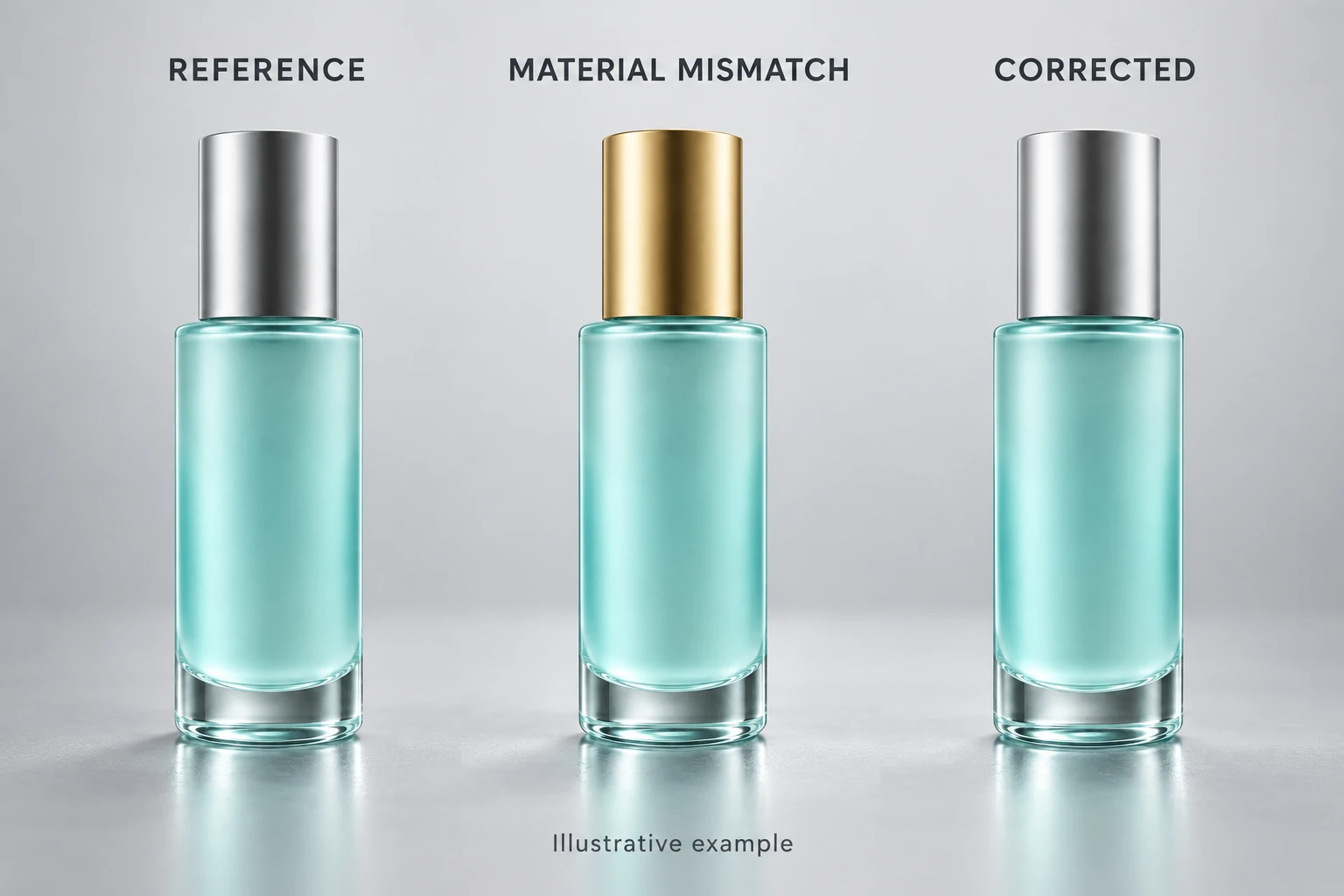
Left to right: reference, deliberate mismatch, corrected example. Image labels are in English; this is an illustrated review workflow.
Inside ScrimWork
Bring product references, casting choices and creative direction into one app workflow. Explore the workspace preview and see how a campaign can stay connected from its first reference to its final review.
Create a product record with useful source views, then decide whether the shot should be product-only or model-led. For a bomber jacket, that might mean a clear front view followed by a catalog-model concept, while a private adult reference requires the right consent.
Choose the image's purpose, setting and composition, keeping the jacket's distinctive details in the brief. The intended workflow then presents supported generation options and a credit quote before you approve the request.
Once live generation is available, approve the quoted request and compare its outputs with the references before keeping your preferred results. The current preview explains these steps; assisted shot planning, live generation and checkout are still being prepared.
Workspace preview. Actual app captures are pending; live generation and checkout are not yet available.
Explore the StudioCampaign motion
A subtle turn, a changing reflection, a moment in a new place: short clips can add another dimension to a campaign. Explore our plans for product-focused video as generation options are prepared for release.
Synthetic campaign examples
Explore videoFind your starting point
Free is designed for one lifetime product upload and one set of two final images using catalog models, with no video or custom models. Compare planned paid allowances and optional top-ups; checkout is not yet live.
A little more clarity
No. Credit use depends on the task, model, selected options, output count and, for video, generated duration.
Approved packs are 250 credits for $25, 1,000 for $85 and 5,000 for $375, for eligible paid plans with 12-month validity. Checkout is not yet live.
No. Reference comparison and your final review remain important, especially for labels, materials and distinctive product features.
The intended flow keeps failed or uncertain candidates out of approved delivery. Correction limits and any credit treatment will be stated with the live generation options.
No. Free excludes custom and private models; paid private-model generation is still being prepared.
No. The reference and variations are synthetic illustrations, not customer uploads or proof of live identity training.